
Post Tabs
Core has no tabs, and to group posts by category you would stack one Query Loop per category down the page. This block puts your categories (or tags, or any taxonomy of any post type) in proper accessible tabs: pick them in order or take the busiest, add an “All” tab and post counts, and choose underline, pill, boxed, segmented or plain tabs above or beside the posts. Panels are either all rendered with the page, or only the first, with the others loaded the moment they are opened through requests the server signs. Each tab can be linked to from the address, so a link to #tab-style-guides opens that tab, and switching tabs keeps the address up to date. Cards come with the picture on top, beside, under the text or not at all, with category, author, date, comments, reading time, an excerpt, read more and a View all link per tab.
Ready-made patterns
Inserter → Patterns → Moduly: newsroom tabs, tabs at the side (these load on demand), and picture tabs. Try this link to open a tab directly: #tab-sustainability.
From the newsroom

The Only Hoodie Fit Guide You Will Need
Boxy, relaxed or tailored? How to read a size chart, where the shoulder seam should sit, and the…
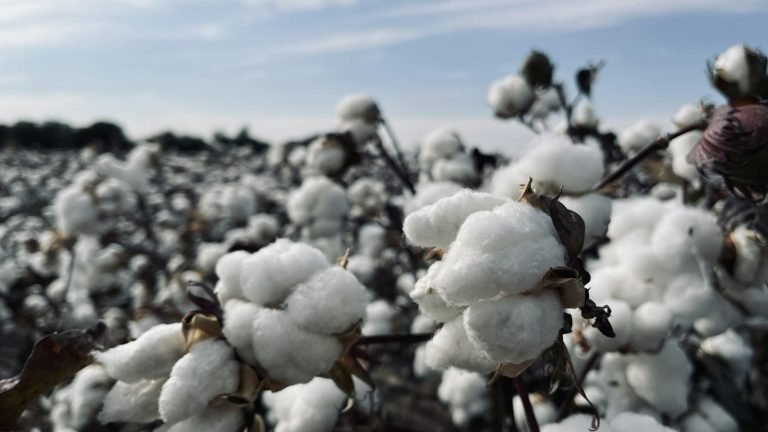
How We Choose a Cotton Mill
We visited eleven mills before settling on two. Here is the checklist we used, from fibre length to…

Five Ways to Wear a Crop Top in Autumn
Crop tops are not just a summer thing. Pair them with high-rise denim, an open overshirt or a…
The Only Hoodie Fit Guide You Will Need
Boxy, relaxed or tailored? How to read a size chart, where the shoulder seam should sit, and the…
Five Ways to Wear a Crop Top in Autumn
Crop tops are not just a summer thing. Pair them with high-rise denim, an open overshirt or a…

How We Photograph Our Lookbooks
Natural light, one lens and a lot of patience: the simple kit behind every lookbook we shoot.
How We Choose a Cotton Mill
We visited eleven mills before settling on two. Here is the checklist we used, from fibre length to…

Inside the Print Room
Water-based inks, hand-pulled screens and a drying tunnel that runs at exactly 160 °C. A morning with our…

From Sketch to Sample in Six Weeks
A week-by-week diary of one hoodie, from the first pencil line to the sample that finally came back…
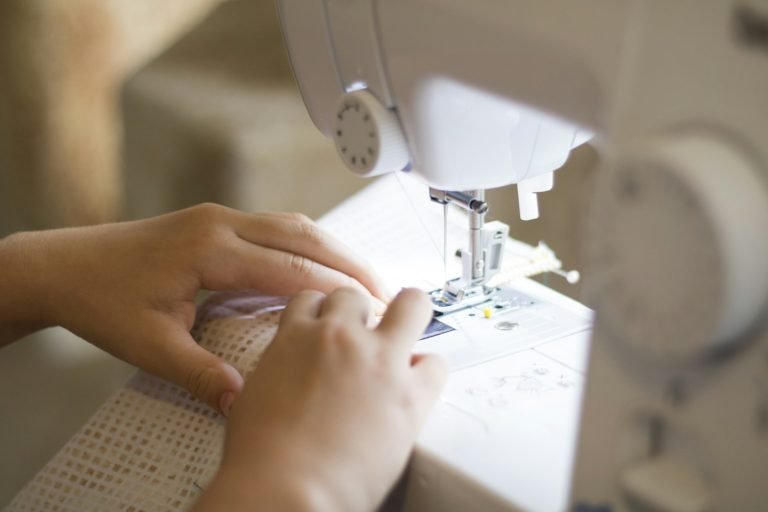
Repair Days Are Back This Winter
Bring a torn seam, a lost button or a stubborn zip. Our sewists will fix it for free…

What Organic Really Means on a Label
GOTS, OCS, BCI — the acronyms are confusing on purpose. We break down which certificates are worth trusting…

Why We Stopped Using Plastic Polybags
Every order used to ship in two plastic bags. Now it ships in one paper sleeve. Here is…

Meet the Crew Behind Our Skate Collab
Four skaters, one warehouse and a very loud playlist. How a weekend session turned into our best-selling capsule…

Street Style Notes from Copenhagen
Oversized knits, sensible boots and a bike in every photo. What we learned photographing forty strangers in one…

The Story Behind the Ninja Tee
It started as a doodle on a napkin and sold out in six hours. The illustrator tells us…

Introducing the Heavyweight Hoodie 2.0
A 420 gsm loopback fleece, a double-lined hood and cuffs that do not stretch out. The upgrade our…

Our Spring Drop Is Coming Early
Soft pastels, a new relaxed tee and the return of the yellow crop. Subscribers get forty-eight hours of…

Sizing Up: Our New Extended Range
Every style now comes in XS to 4XL, graded properly rather than just scaled up. We explain how…
Browse by topic
The Only Hoodie Fit Guide You Will Need
Boxy, relaxed or tailored? How to read a size chart, where the shoulder seam should sit, and the…
Read more The Only Hoodie Fit Guide You Will NeedHow We Choose a Cotton Mill
We visited eleven mills before settling on two. Here is the checklist we used, from fibre length to…
Read more How We Choose a Cotton MillFive Ways to Wear a Crop Top in Autumn
Crop tops are not just a summer thing. Pair them with high-rise denim, an open overshirt or a…
Read more Five Ways to Wear a Crop Top in AutumnPictures from the studio



More set-ups
Tabs on the right · boxed · chosen tabs (Studio News, Garment Care, Sustainability) without “All” · loaded on demand · own anchor “journal”
Introducing the Heavyweight Hoodie 2.0
A 420 gsm loopback fleece, a double-lined hood and cuffs that do not stretch out. The upgrade our…
Read more Introducing the Heavyweight Hoodie 2.0Our Spring Drop Is Coming Early
Soft pastels, a new relaxed tee and the return of the yellow crop. Subscribers get forty-eight hours of…
Read more Our Spring Drop Is Coming EarlyTags as tabs, A to Z · plain text tabs, centred · text-only cards · switch on hover
Meet the Crew Behind Our Skate Collab
Four skaters, one warehouse and a very loud playlist. How a weekend session turned into our best-selling capsule…
Read more Meet the Crew Behind Our Skate CollabWashing Dark Colours Without the Fade
Turn it inside out, keep it cold and skip the dryer. A few small habits that keep black…
Read more Washing Dark Colours Without the FadeWhat Organic Really Means on a Label
GOTS, OCS, BCI — the acronyms are confusing on purpose. We break down which certificates are worth trusting…
Read more What Organic Really Means on a LabelBuilding a Capsule Wardrobe in Ten Pieces
Ten pieces, thirty outfits. The exact list we give friends who want fewer clothes and better mornings.
Read more Building a Capsule Wardrobe in Ten PiecesWashing Dark Colours Without the Fade
Turn it inside out, keep it cold and skip the dryer. A few small habits that keep black…
Read more Washing Dark Colours Without the FadeWhat Organic Really Means on a Label
GOTS, OCS, BCI — the acronyms are confusing on purpose. We break down which certificates are worth trusting…
Read more What Organic Really Means on a LabelMeet the Crew Behind Our Skate Collab
Four skaters, one warehouse and a very loud playlist. How a weekend session turned into our best-selling capsule…
Read more Meet the Crew Behind Our Skate CollabThe Story Behind the Ninja Tee
It started as a doodle on a napkin and sold out in six hours. The illustrator tells us…
Read more The Story Behind the Ninja Tee